Quick takeaways
Build a system that still works when you come back tired.
- Fleeting ideas are a major source of distraction if not managed correctly.
- Quick capture must be extremely fast and low-friction to prevent focus drifts.
- Separate the act of capturing thoughts from the act of organizing them.
- Process your capture inbox during dedicated, low-energy focus blocks.
The shiny object trap: Why new ideas derail focus
ADHD brains are highly creative and constantly generating new ideas, connections, and reminders. The problem is that these ideas often arrive when you are in the middle of something else.
If you stop to explore the new idea, you fall down a rabbit hole and lose your original focus. But if you try to ignore it, your brain uses valuable working memory trying not to forget it. Both options drain your focus and cause frustration.
Make capture cheaper than forgetting
The solution is a fast, dedicated inbox that acts as a temporary holding zone. The tool must be incredibly easy to access—ideally requiring a single keystroke or click.
If you have to open an app, navigate to a specific folder, add tags, and set dates just to save a thought, the friction is too high. You will either skip capturing it or get distracted by the organization process. The goal is to dump the thought and return to your work in under five seconds.
- Use a hotkey or single-click entry to trigger capture.
- Avoid organizing, tagging, or scheduling during capture.
- Focus on speed and simplicity above all else.
Separate collecting from processing
The magic of quick capture is the separation of concerns. Collecting is about protecting your focus; processing is about organization. These two tasks require different mindsets.
By dumping thoughts into an inbox, you promise your brain that the idea is safe. You can then return to your current task with a clear mind, knowing you will organize and sort the inbox later when you have the dedicated time and energy.
- Set a recurring time (like the end of the day) to empty your inbox.
- Move captured thoughts into tasks, notes, or delete them if they no longer matter.
- Keep the inbox clean so it remains a reliable placeholder.
How Stride keeps capture fast and clean
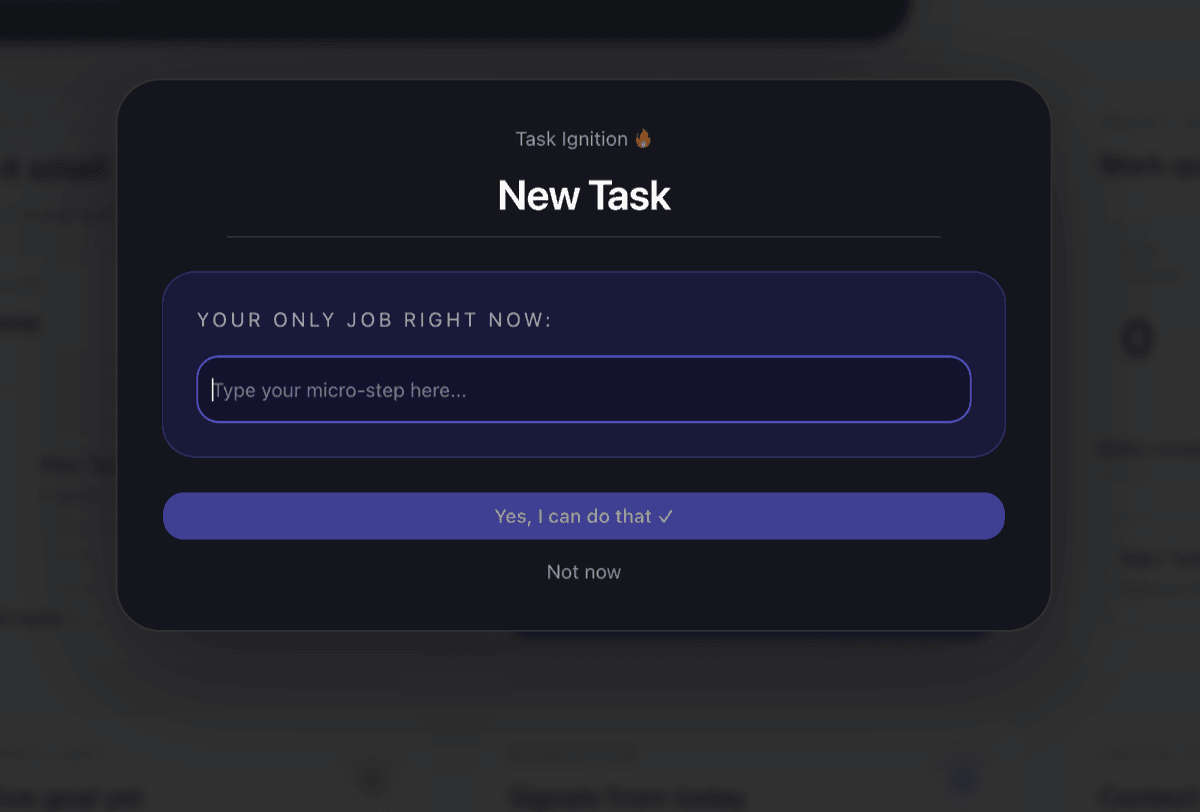
Stride features a global Quick Capture dialog designed to match this cadence. No matter where you are in the app, you can pop open the capture input, type your idea, hit enter, and immediately continue what you were doing.
It doesn't ask you for metadata or dates. It simply holds the thought in your Inbox, keeping your active workspace clean and your current focus protected.
Calmer Focus Awaits
Try Stride for free — the calm workspace built for ADHD brains.
Traditional tools make you manage lists. Stride works with how ADHD brains actually function: quick capture for fleeting thoughts before they distract you, narrowing the day to a Daily 3, and reviewing the friction behind missed work instead of piling on the guilt.