01
Capture the work while it is still fresh
Drop a note, task, or brain dump into Stride before the thought disappears. You do not need a template before the product becomes useful.
Capture ideas fast, choose a calm Daily 3, and keep notes, tasks, goals, and weekly reviews connected in one workspace built for ADHD-friendly focus.
Start without setup tax
Create an account and get useful on day one.
Focus the day fast
Daily 3 turns a crowded backlog into one calm starting line.
Keep learning from the work
Activity and friction reviews make the product stickier every week.
Google or email signup / Free plan / No credit card required
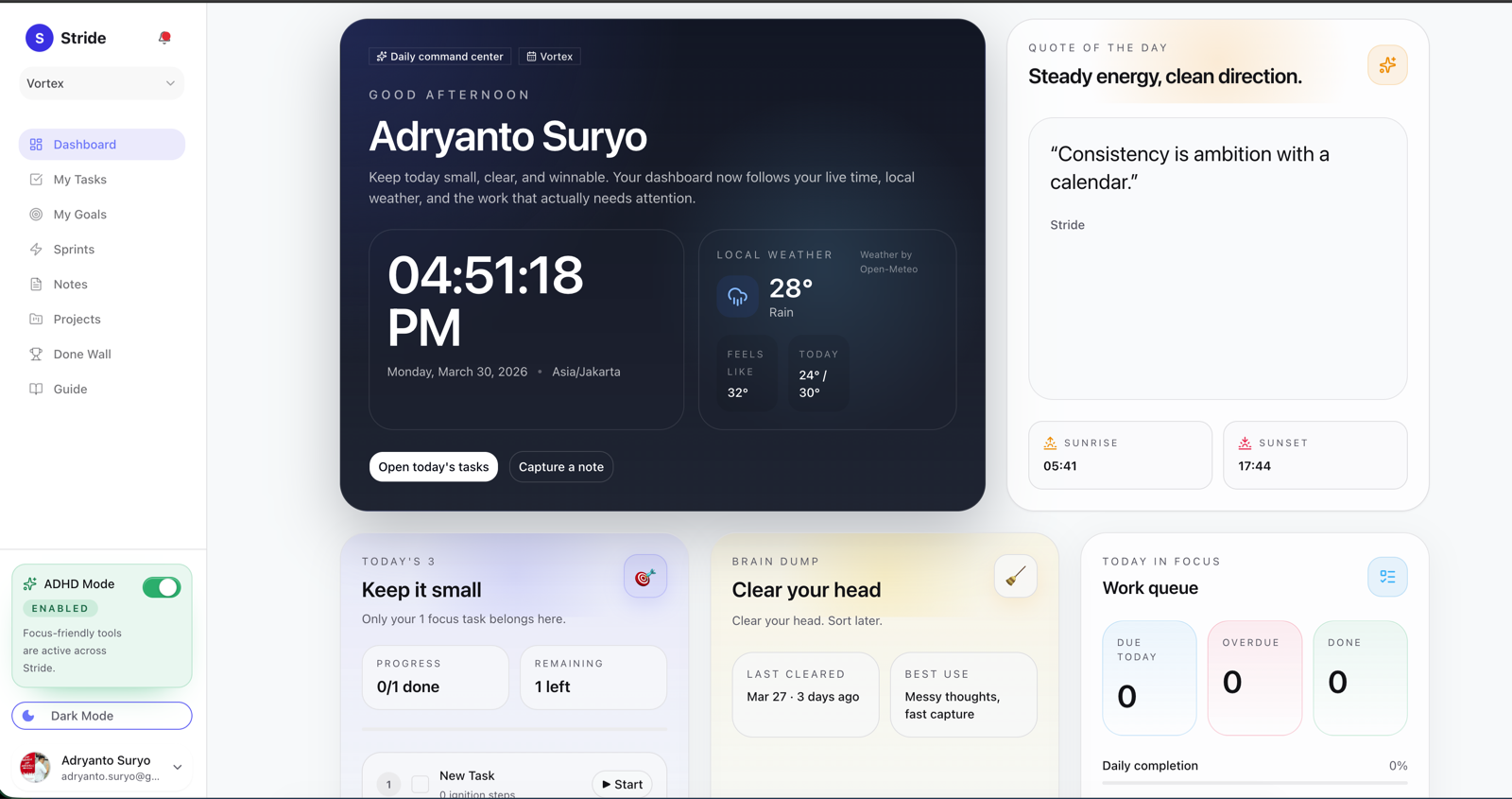
First value
Product-led growth only works when the product earns the next visit. Stride does that by making capture, daily focus, and honest review useful in the first session.
01
Drop a note, task, or brain dump into Stride before the thought disappears. You do not need a template before the product becomes useful.
02
Daily 3 gives new users an immediate win: less negotiating with the backlog, more clarity about what to do next.
03
As you use Stride, activity history and friction reports make progress easier to see and easier to repeat.
Product proof
Instead of building a whole system from scratch, you can write, capture, link, and act from the same workspace from day one.
Notes, slash commands, tables, and task context stay close together, so an idea can become organized work without another tab or another tool.
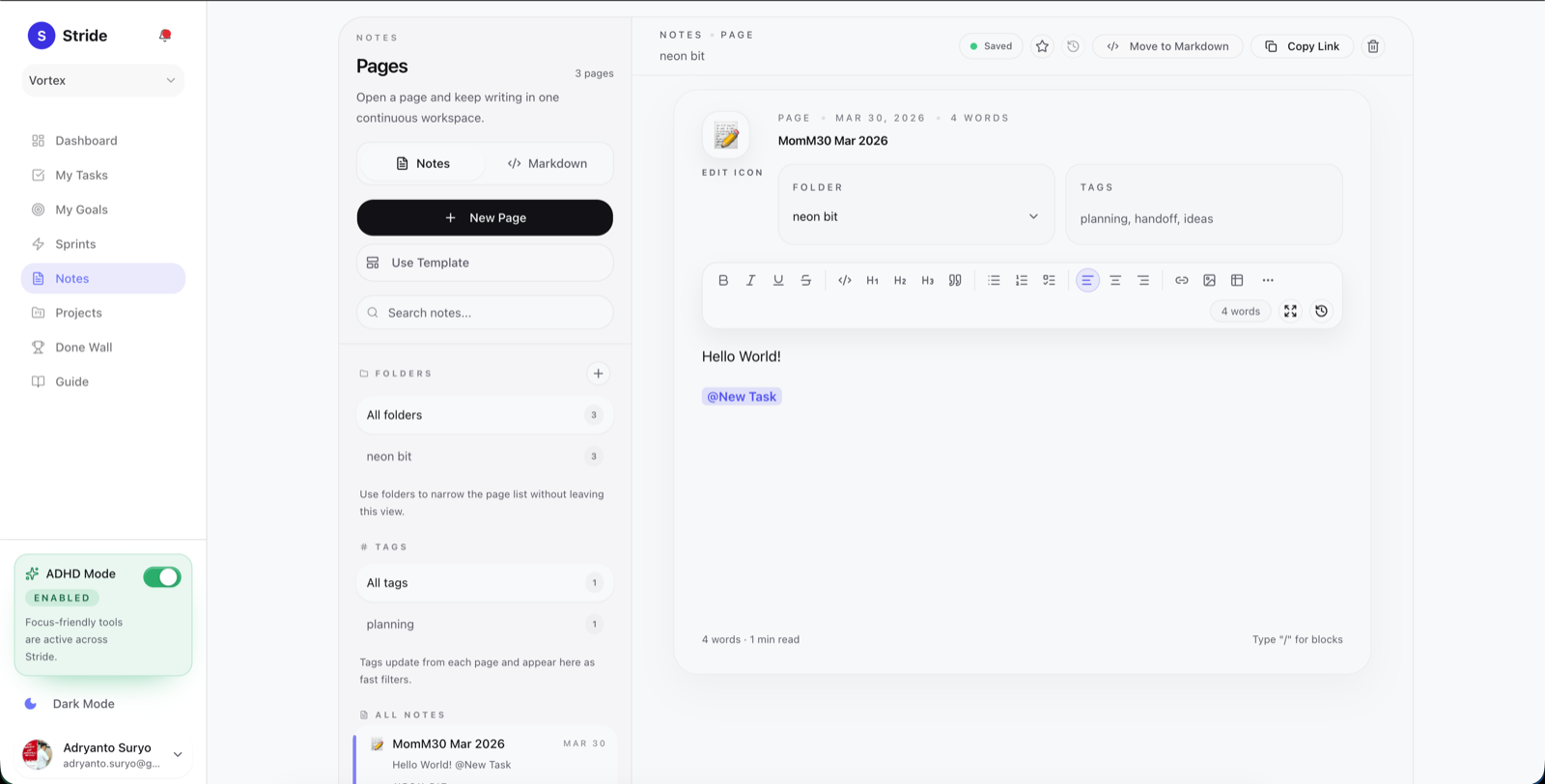
One shortcut is enough to save the thought, attach context, and keep momentum instead of starting over later.
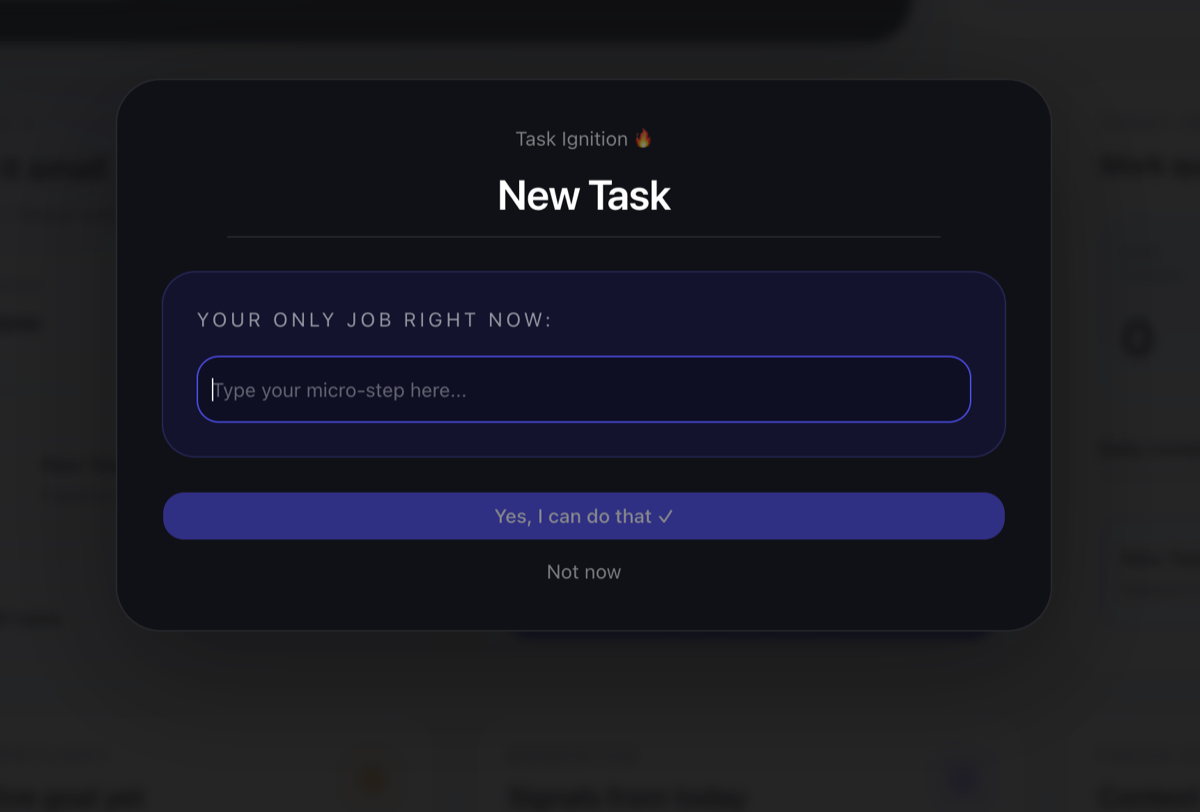
Link today's work to a real goal so progress feels meaningful, not just completed.
Daily 3, focus mode, and weekly reflection keep the system light enough to reuse after interruptions instead of rebuilding it every Monday.
Most productivity tools assume uninterrupted motivation. Stride stays useful when attention drops, context switches pile up, or you need a gentler way back into the work.
Brain Dump mode / just write, sort later
Quick Capture / save an idea in 2 seconds
Emotional Check-in / how are you, really?
Gentle structure / not a rigid system

Why it sticks
Stride keeps the loop tight: choose what matters now, watch consistency build over time, then review the friction before the next week begins.
Daily focus
01
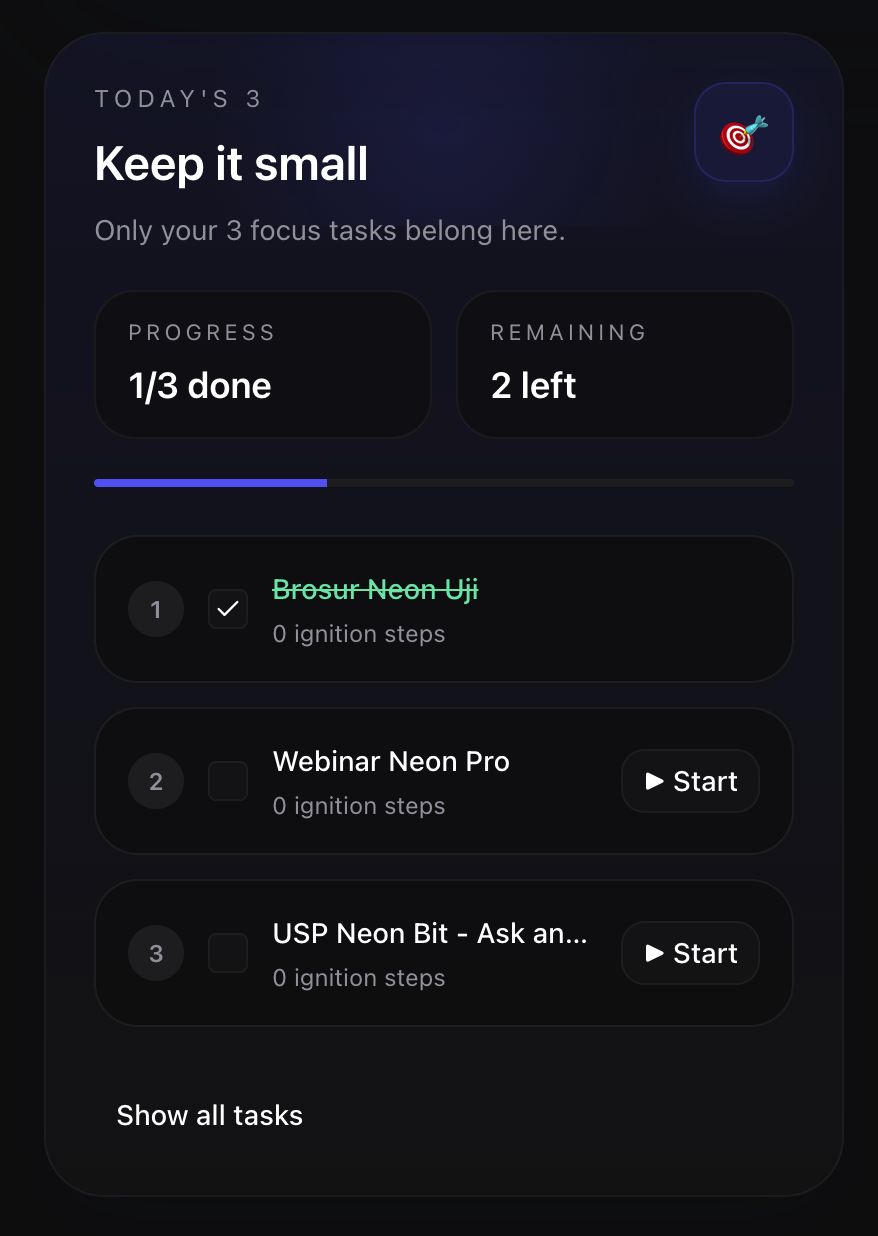
Daily 3 strips the morning down to the three tasks that deserve your attention, so you can stop negotiating with the entire backlog.
Progress, remaining work, and the next ignition step stay in one quiet lane built for follow-through.
Streak visibility
02
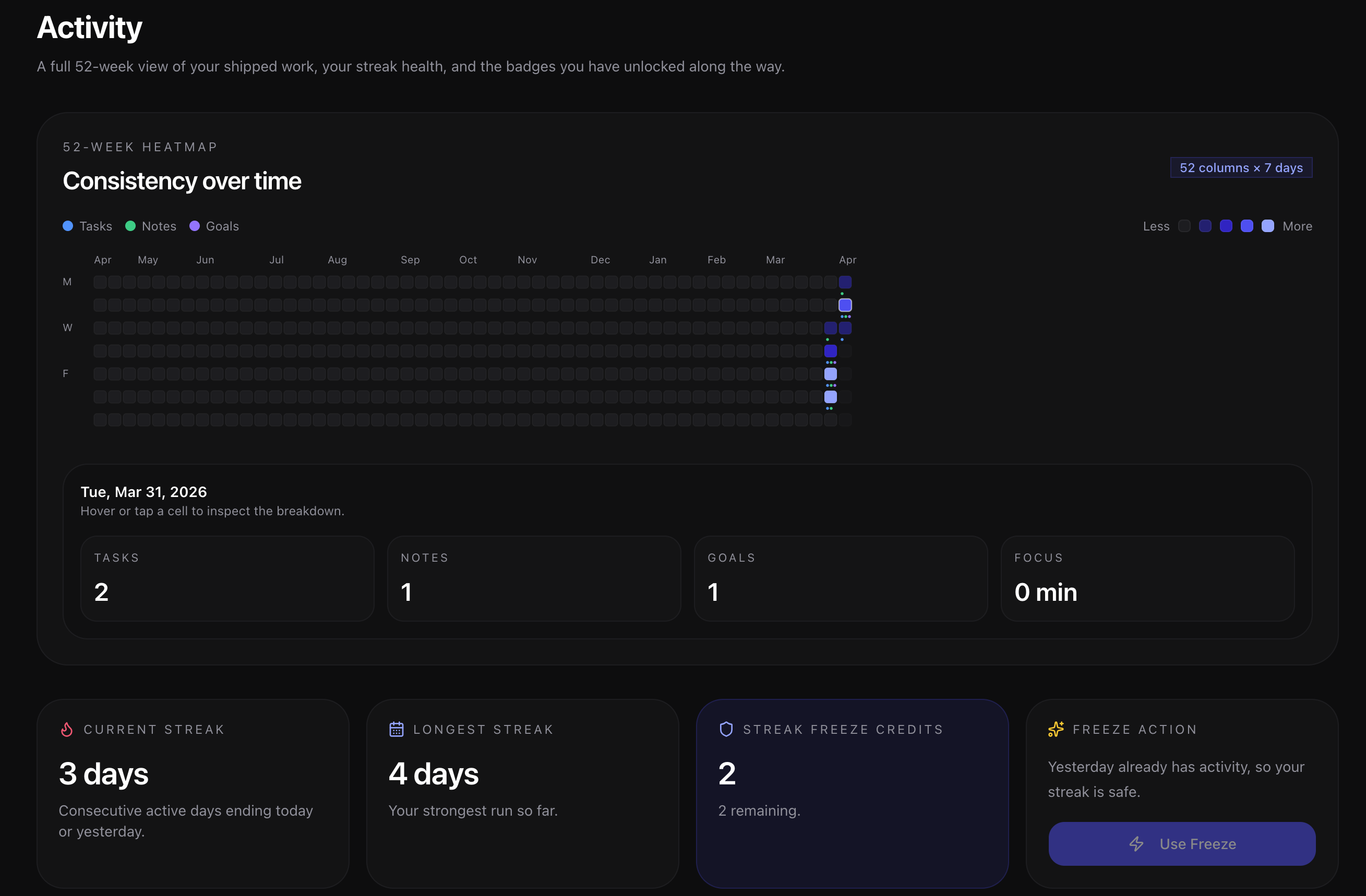
Activity turns finished work into a living 52-week record, so your streak, effort, and momentum do not disappear after the task is done.
Inspect a single day, track streak health, and keep the long view without leaving the product surface.
Weekly digest
03
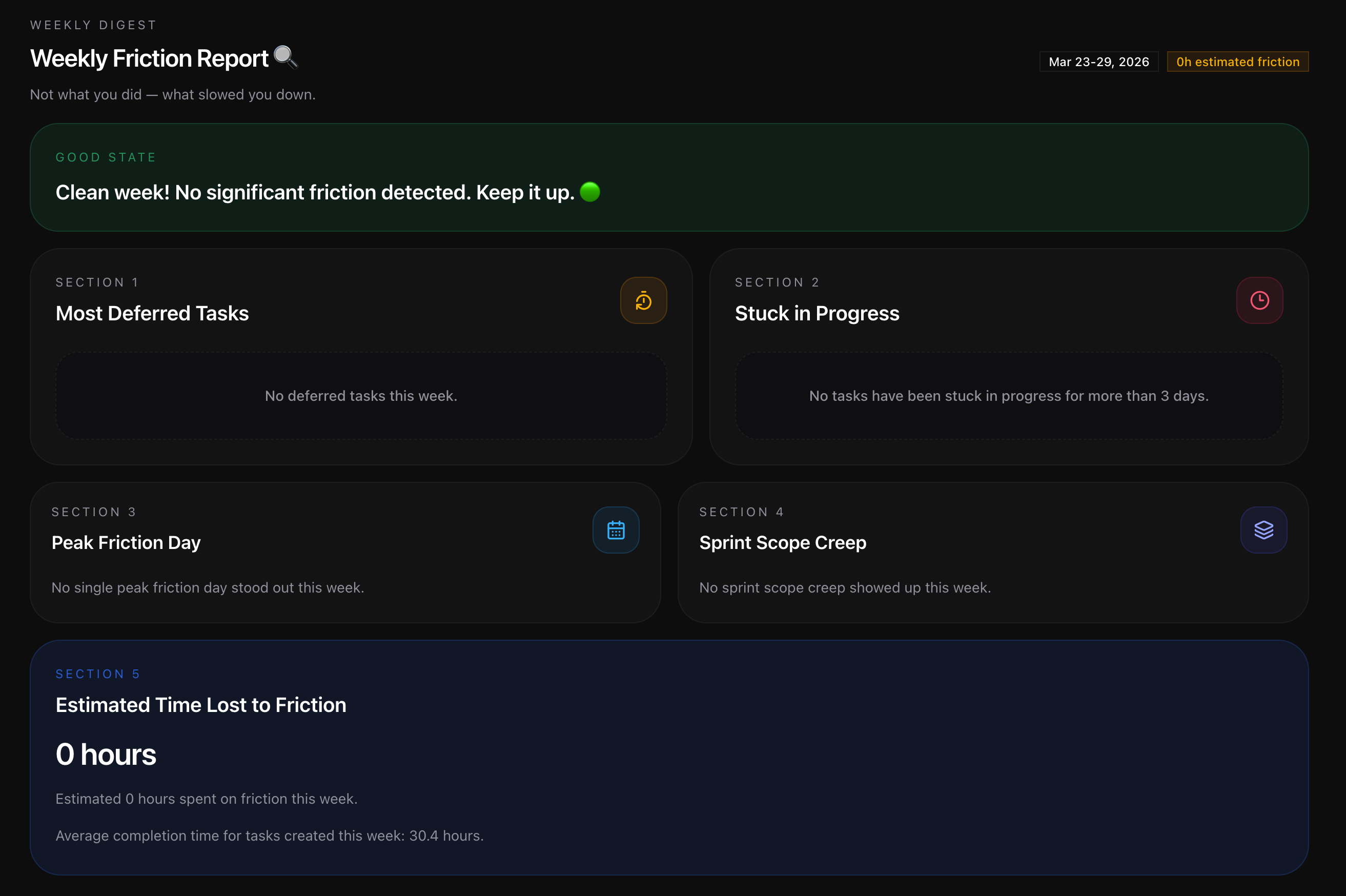
Weekly Friction Report reviews the drag behind the work, from deferrals to stuck tasks, so next week starts with clearer decisions.
It is reflection with receipts: what stalled, where scope crept, and how much time the friction likely cost.
Explore the product
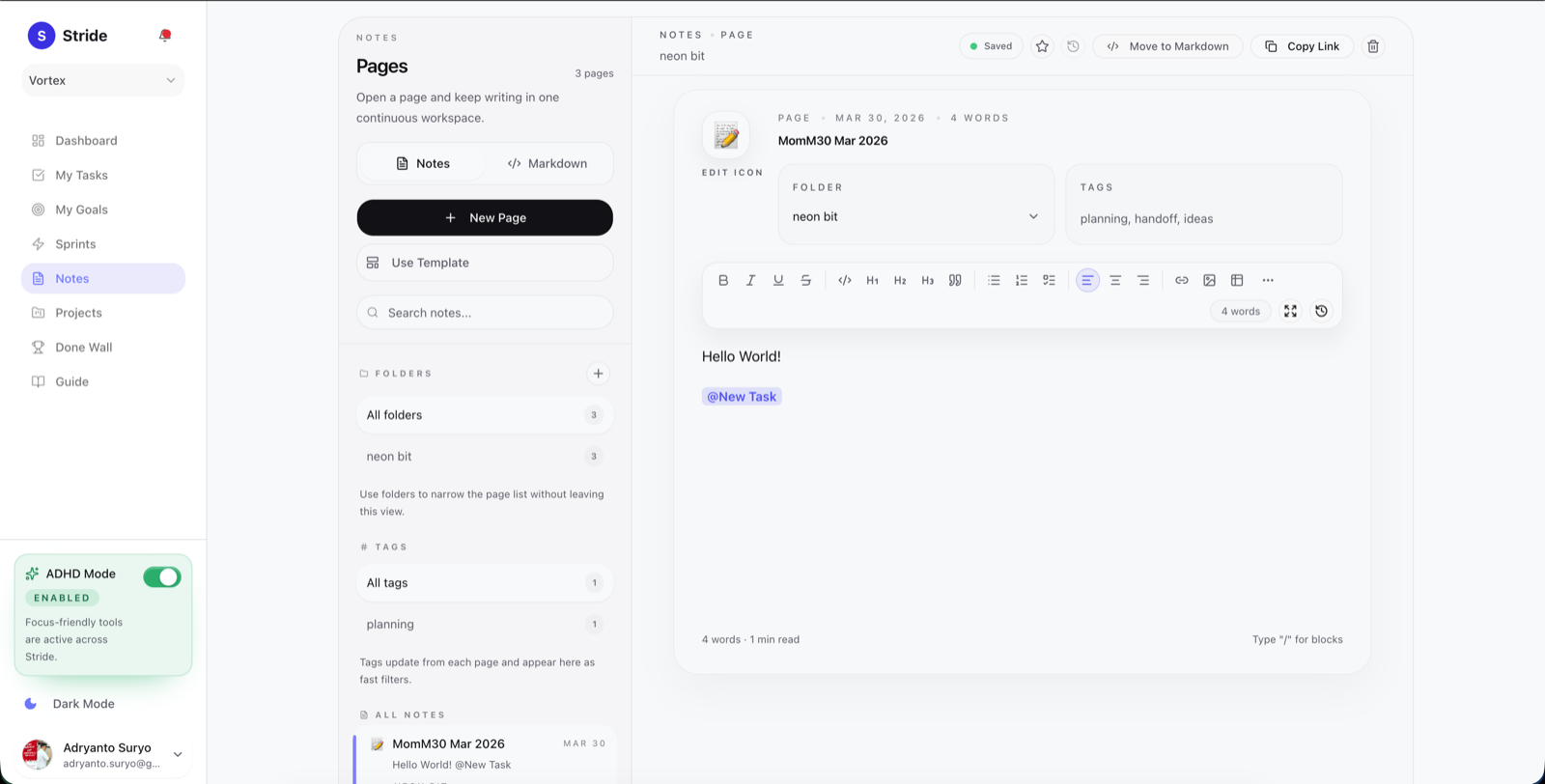
Switch between notes, tasks, goals, sprints, and brain dump. Each surface is built to move you toward the next action, not a prettier backlog.
Why people stick
I've tried every productivity app out there. Notion felt like homework. Things felt too simple. Stride is the first one where I actually open it every morning without dread.
- Nadia R., freelance designer, Jakarta
The Brain Dump mode alone is worth it. I use it every Sunday night and it genuinely calms my anxiety.
- Marcus T., software engineer
My ADHD coach actually recommended I look for something like this. Quick Capture is exactly what I needed. I do not lose ideas anymore.
- Sari W., product manager
Finally, a notes app with proper table support that does not require a PhD to use.
- James L., researcher
The goal to task link changed how I work. I can see exactly how writing that proposal moves my 2026 revenue goal. That connection keeps me motivated.
- Aditya P., founder
The consistent complaint in ADHD productivity groups is always: I set up the perfect system, then stopped using it. Stride is the first app that does not require a perfect setup to still be useful.
- Kira M., ADHD coach
Playbook
Short, practical reads on ADHD-friendly planning, quick restarts, and building a productivity system that still feels usable after interruptions.
A practical guide to fast capture, Daily 3 planning, clear next steps, and weekly friction reviews that help ADHD brains keep momentum without rebuilding the whole system every Monday.
Read the first articleWhat the article covers
Fast capture before the thought disappears
Daily 3 planning for calmer mornings
Clear next steps for easier restarts
Weekly friction reviews instead of self-blame
FAQ
No. Stride is useful for anyone who wants calmer planning, but the workflows are intentionally designed to support ADHD-friendly focus, lower setup friction, and easier restarts after interruptions.
Stride connects notes, tasks, goals, Daily 3 planning, and weekly reflection in one workspace, so you can move from capture to execution without rebuilding the context in separate tools.
Yes. You can use it for personal focus, project work, weekly planning, and team momentum. The core idea is to keep the system light enough to reuse every day.
No. Stride is designed to be useful on day one with quick capture, a small daily focus list, and straightforward task-to-goal linking instead of a heavy template setup.
Create an account, capture what is on your mind, and set your first Daily 3 in minutes. Free plan, no credit card, real product access.
The signup flow supports email/password and Google sign-in.