Quick takeaways
Build a system that still works when you come back tired.
- Start with capture speed, not perfect organization.
- Shrink the day to a Daily 3 so returning to work feels possible.
- Store the next visible step with the task to reduce restart friction.
- Review friction weekly so the system gets kinder over time.
Most productivity systems fail at the moment of return
A lot of productivity advice assumes you will keep showing up to the system with the same energy, the same attention, and the same memory every day. That is usually not how real weeks work, especially for ADHD brains.
The fragile part of a system is not the exciting setup day. It is the Thursday afternoon when three tabs are open, two ideas are half-finished, and you cannot tell what to start next. A good system should help you re-enter quickly, not punish you for drifting.
Start with capture, not organization
If the first step requires choosing the perfect folder, tag, project, status, or deadline, you will lose thoughts before they land. Capture needs to feel cheaper than forgetting.
That is why an ADHD-friendly system begins with a fast inbox or brain dump. The goal is to preserve the thought while your attention is still on it. Sorting can happen later, when you are in a calmer state and the idea is no longer at risk.
- Keep one fast place for unfinished thoughts.
- Use quick capture for ideas that arrive mid-task.
- Separate collecting from organizing so the first action stays easy.
Make today small enough to start
A huge task list makes every decision feel expensive. When everything is visible, the brain often treats everything as urgent and nothing as approachable.
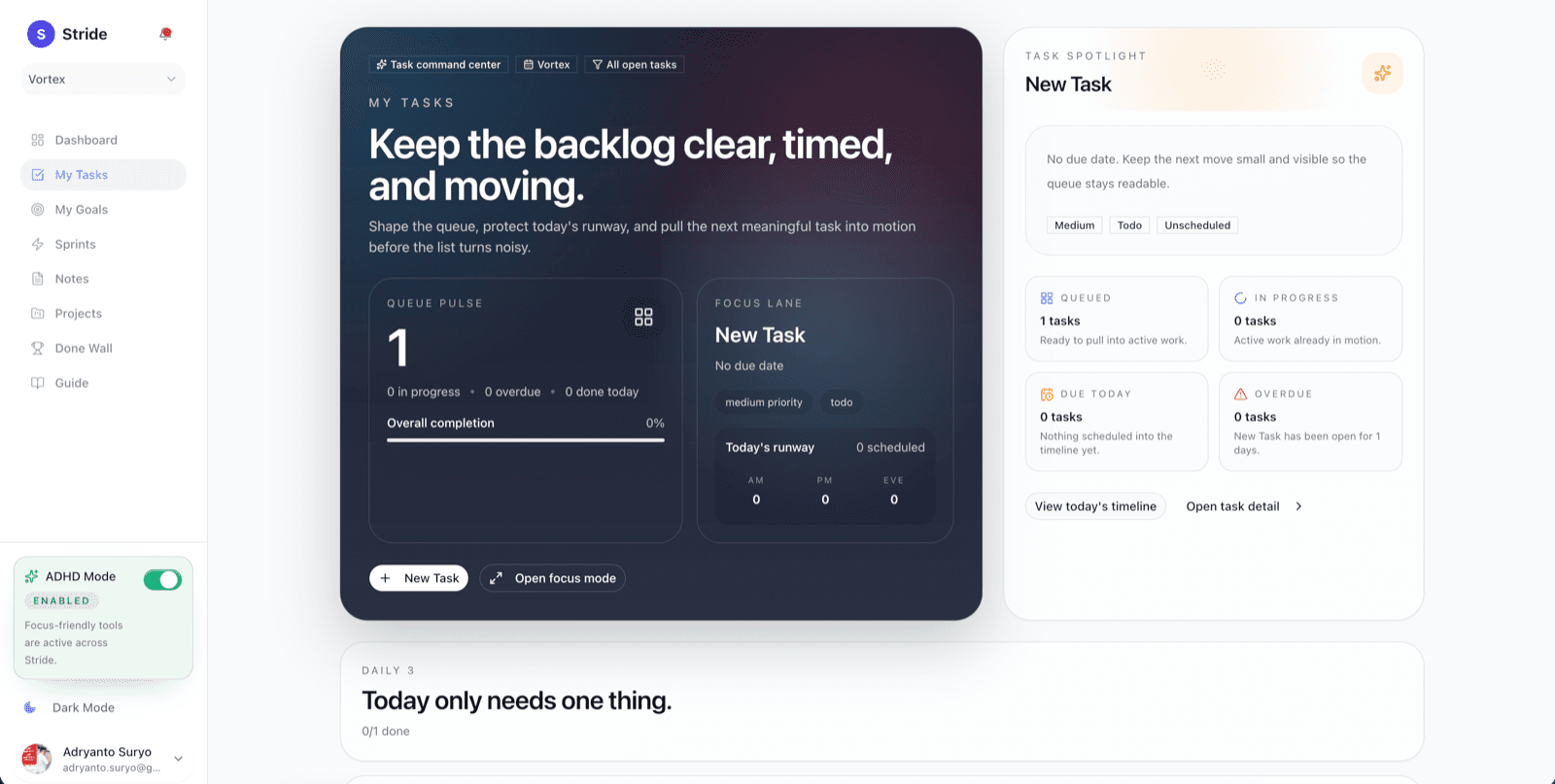
A Daily 3 works because it narrows the field. Instead of arguing with the entire backlog, you only decide which three tasks deserve today's attention. The rest can still exist, but they stop shouting over the work in front of you.
- Choose only three focus tasks for the day.
- Let the backlog stay in the background instead of the foreground.
- Use the smaller list to regain momentum after interruptions.
Store the next visible step with the task
Restart friction is one of the quietest productivity drains. A task called 'Finish proposal' sounds clear until you come back exhausted and realize you still need to decide where to begin.
The fix is simple: store the next concrete step with the task while the context is fresh. Not the entire plan, just the next move. 'Open the draft and rewrite the first paragraph' is much easier to begin than 'Work on proposal.'
- Write the next action in language you can start immediately.
- Leave yourself brief context when stopping mid-task.
- Estimate effort lightly so you can choose work that fits the moment.
Review friction instead of blaming yourself
Weekly review habits often become another place to feel behind. A better review asks what kept the work heavy, delayed, or confusing. That turns the ritual into learning instead of self-criticism.
When you review friction, patterns become visible. Maybe a task kept slipping because it was still too vague. Maybe the week was overloaded. Maybe one project required too many context switches. Those are system problems you can adjust, not character flaws you need to hide from.
- Look for repeated deferrals and unclear tasks.
- Notice where context switching cost the most energy.
- Use the review to simplify the next week, not to score the last one.
Keep notes, tasks, and goals connected
Fragmented tools create hidden restart work. When notes live in one place, tasks in another, and goals somewhere else entirely, you spend extra energy reconstructing why the work matters before you can continue it.
Connected systems help because they preserve meaning. A note can turn into a task, a task can support a goal, and the larger reason for the work stays visible. That reduces the number of mental jumps required to get moving again.
- Link notes to the work they support.
- Connect tasks to goals so progress feels directional.
- Keep context close enough that re-entry does not require detective work.
Build a weekly reset you can actually repeat
The best system is not the most detailed one. It is the one you can come back to after a chaotic week without needing a full rebuild.
A repeatable weekly reset can be short: empty the capture bucket, choose the upcoming priorities, note the next visible step for active work, and scan for friction from the previous week. The point is to leave future-you a cleaner runway than the one you started with.
- Clear the inbox or brain dump before planning the week.
- Pick the few priorities that matter most.
- Refresh next-step notes on active tasks.
- Adjust the system anywhere it created unnecessary drag.
Calmer Focus Awaits
Try Stride for free — the calm workspace built for ADHD brains.
Traditional tools make you manage lists. Stride works with how ADHD brains actually function: quick capture for fleeting thoughts before they distract you, narrowing the day to a Daily 3, and reviewing the friction behind missed work instead of piling on the guilt.